Frontend Development

Become a World-Class Frontend Developer

Wont you just love to work Remotely? Learn to build fast, responsive, and accessible interfaces with HTML, CSS, JavaScript and React — guided by mentors who ship production code every day.

3 MonthsCohort duration
14Guided modules
1,500+Students trained
Beginner Friendly
Registration Open
No Prior ExperienceStart from zero
Job Placement SupportWe help you get hired
Flexible Learning3 Months
Expert MentorshipLearn from industry pros
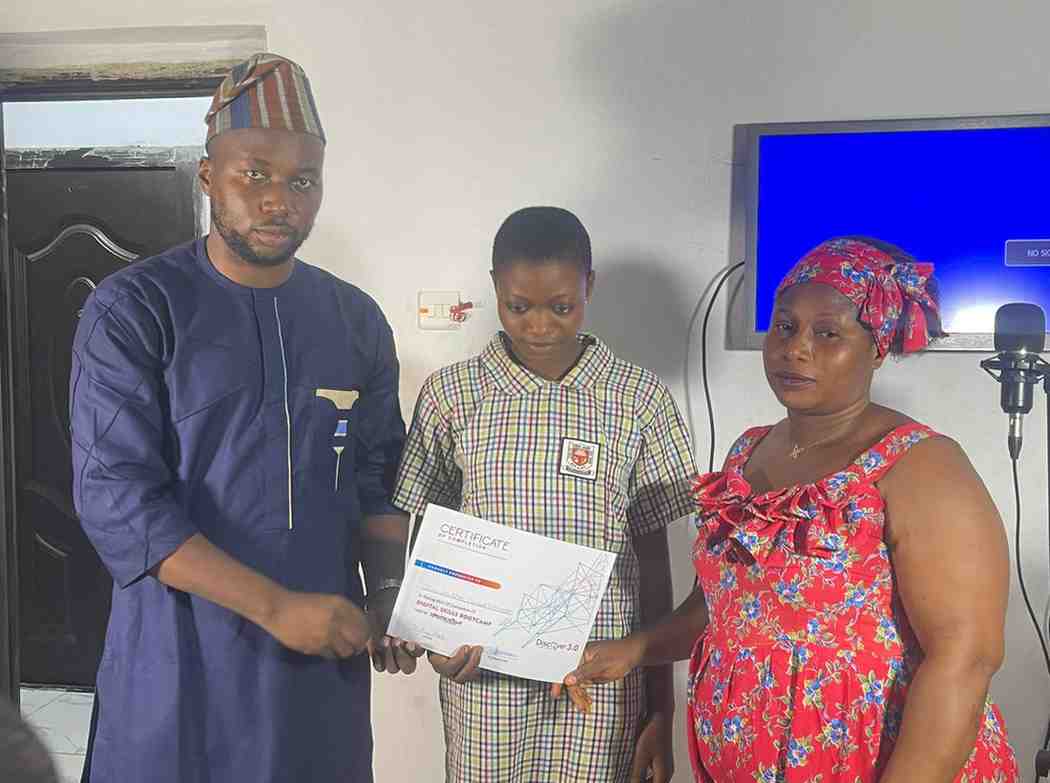
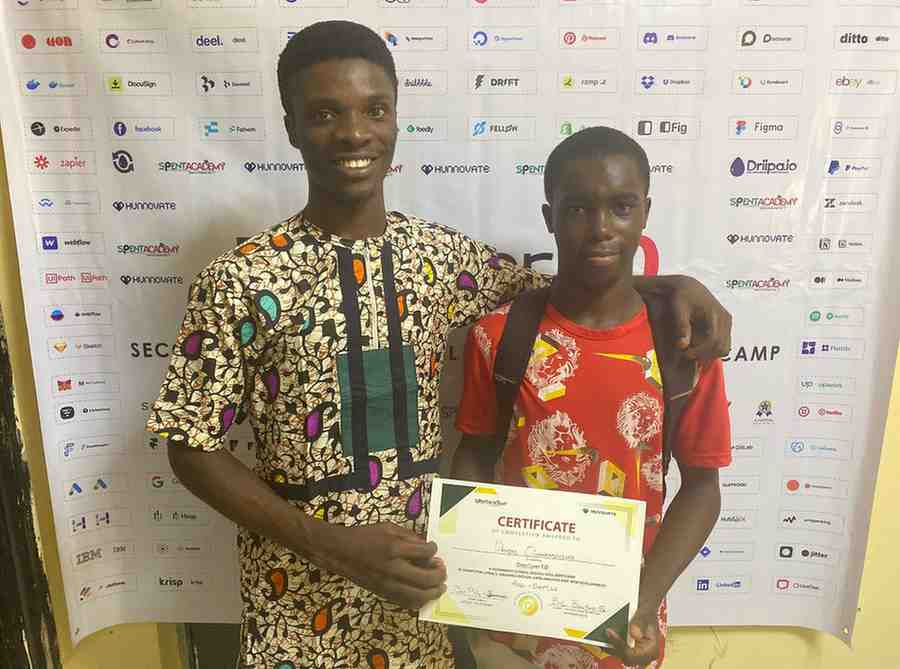
CertificateVerifiable on completion
About Course

Frontend
Course Overview

Frontend Development is the practice of building everything a person sees and clicks on the web. In this course, you'll move from raw HTML markup to fully interactive React applications — learning to think like both a designer and an engineer along the way.

  • Build responsive, accessible websites with modern HTML5 and CSS3
  • Bring pages to life with JavaScript (ES6+) and DOM manipulation
  • Build component-based interfaces with React and manage app state
  • Connect your frontend to real APIs and backend services
  • Deploy production-ready sites and manage your code with Git
Enroll Now
What You'll Learn

Course Curriculum

A structured, hands-on curriculum built to take you from your very first line of code to a portfolio-ready capstone project.

Module 01

Getting Oriented on the Web

How browsers, servers and the internet actually work
  • How the internet delivers a webpage, end to end
  • The difference between frontend and backend work
  • Setting up your first developer toolkit
Module 02

HTML Foundations

Structuring content the right way
  • Core tags, forms and semantic elements
  • Writing markup that's readable and accessible
  • Structuring a real multi-section page
Module 03

CSS & Visual Styling

From the box model to layout systems
  • Selectors, specificity and the cascade
  • Flexbox, Grid and responsive design patterns
  • Custom properties and modern CSS features
Module 04

Responsive Design & Accessibility

Building for every device and every person
  • Mobile-first layouts and media queries
  • ARIA roles, focus management and screen readers
  • Performance budgets and image optimization
Module 05

JavaScript Fundamentals

The language of the web, inside out
  • Variables, types, functions and scope
  • DOM traversal, manipulation and events
  • Promises, async/await and error handling
Module 06

Version Control with Git

Collaborate like a professional developer
  • Commits, branches and merging
  • Working with GitHub and pull requests
  • Resolving conflicts and code review workflows
Module 07

Build Tools & Module Bundlers

Automate, optimize and streamline your workflow
  • NPM scripts, package managers and dependencies
  • Webpack and Vite configuration basics
  • Hot module reloading and development servers
Module 08

React Foundations

Component-driven UI development
  • JSX, components and props
  • State, hooks and side effects
  • Conditional rendering and lists
Module 09

React: State & Data Flow

Managing complexity in real applications
  • Lifting state and composition patterns
  • Context API and custom hooks
  • State management with Zustand or Redux Toolkit
Module 10

Working with APIs

Connecting your frontend to real data
  • REST APIs, HTTP methods and JSON
  • Data fetching with fetch and Axios
  • Error states, loading states and optimistic updates
Module 11

Testing Frontend Code

Ship with confidence
  • Unit tests with Vitest and React Testing Library
  • Component and integration testing
  • End-to-end testing with Playwright
Module 12

Deployment & DevOps Basics

From your machine to the world
  • Static hosting with Vercel and Netlify
  • Environment variables and secrets
  • CI/CD pipelines and automated deploys
Module 13

Portfolio & Capstone Project

Build something you're proud to show
  • Planning and scoping a real-world project
  • Iterative development with mentor feedback
  • Presenting your work and code review
Module 14

Job Preparation & Career Launch

Get hired as a frontend developer
  • Resume writing, LinkedIn and GitHub profile optimization
  • Mock technical interviews and coding challenges
  • Freelancing, remote work and career growth strategies
Affordable Tuition

Flexible payment options

Flexible payment options designed to make quality tech education accessible to everyone.

Pay Full (Tuition Fee)

₦100,000
  • Full course access
  • Live mentor sessions
  • Capstone project review
  • Certificate of completion
Choose Full Payment Plan
or
Why Spent Academy

Why learn with Spent Academy?

We don't just teach code — we build career-ready developers with real-world skills.

Expert Mentors

Learn from industry professionals who ship production code every day and know what it takes to succeed in tech.

Hands-On Projects

Build real-world applications and a portfolio that proves your skills to employers from day one.

Career Growth

Get job placement support, resume reviews, mock interviews, and direct connections to hiring partners.

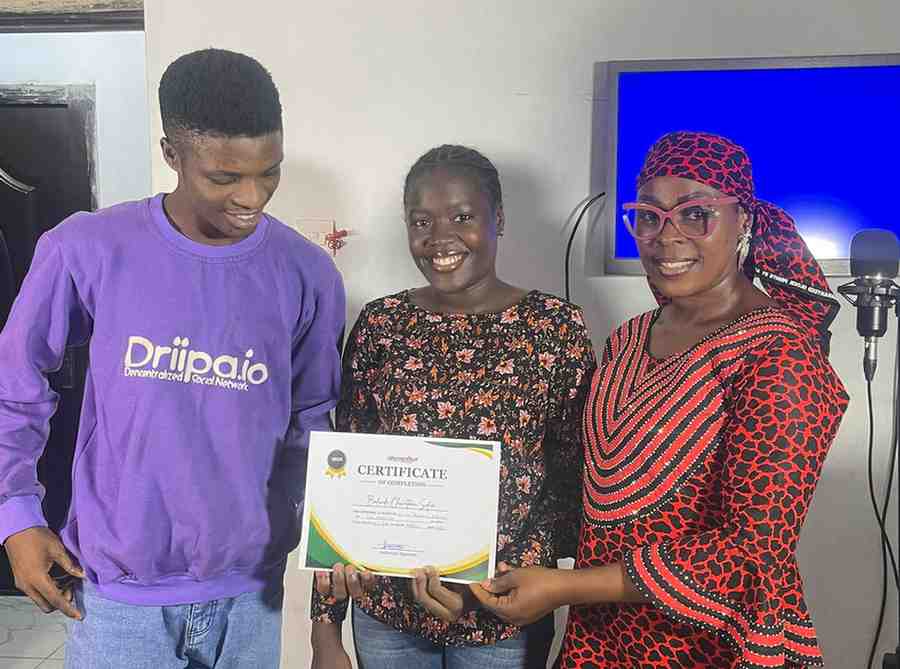
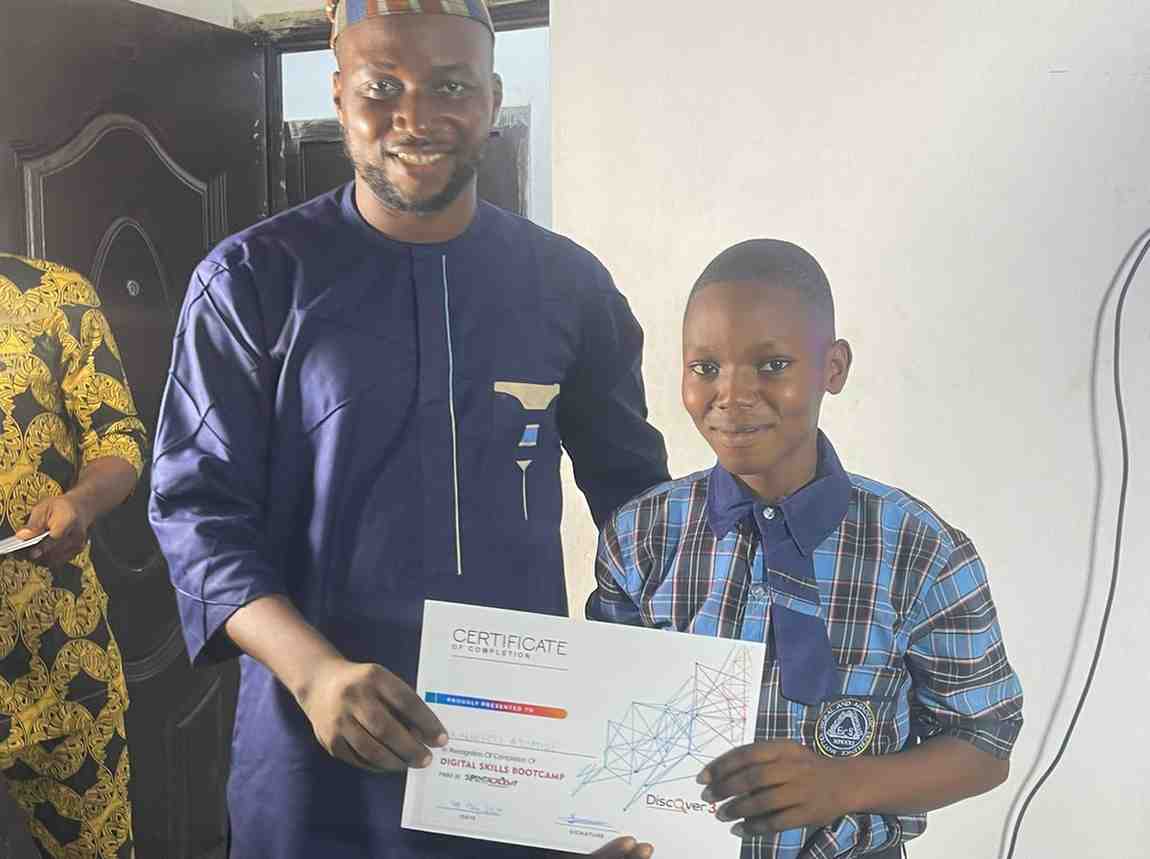
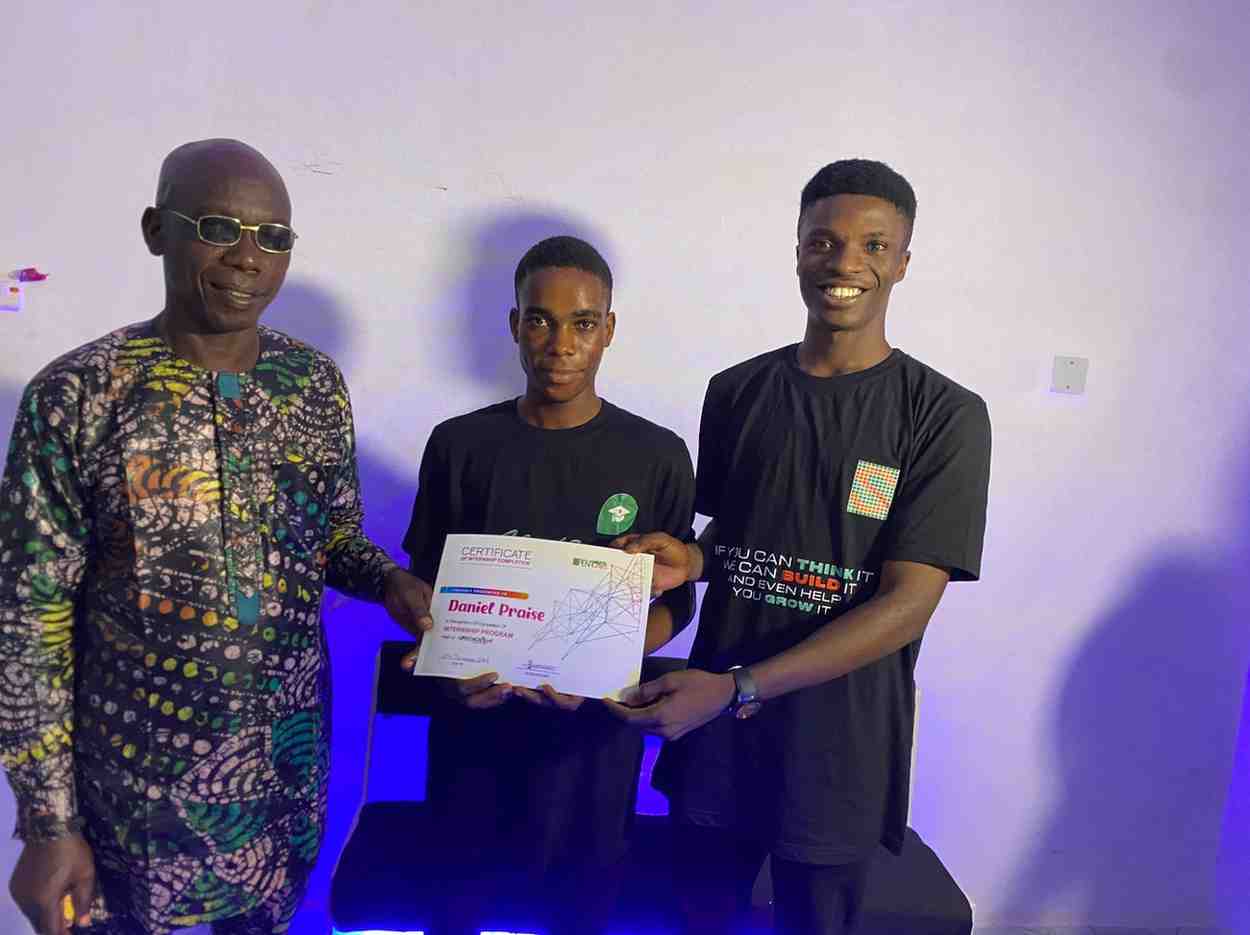
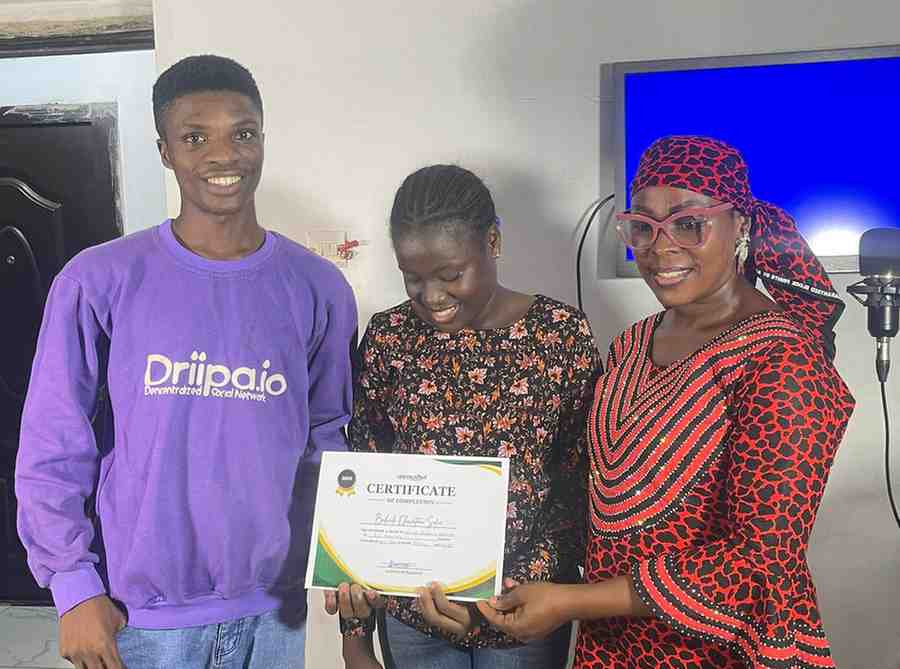
Our Certifications

Recognized Excellence
Enroll Now

Wont you just love to work Remotely? start your journey today!

Spots are limited. Join the next cohort and get hands-on training, mentorship, and a career launchpad.


  • 3-month structured program
  • Small class sizes for personalized attention
  • Career support and job placement assistance
Enroll Now
FAQ

Frequently asked questions

Do I need any prior coding experience?
No. This course starts from absolute zero. You only need a computer and a willingness to learn.
What if I miss a live session?
All live sessions are recorded and uploaded to your learning dashboard within 24 hours.
What kind of certificate will I receive?
Earn a verifiable digital certificate upon completing the capstone project and all module assignments.
Do you help with job placement?
Yes. Our career services team provides resume reviews, mock interviews and connects you with hiring partners.
How long will it take to complete the course?
The course runs for 3 months with a mix of live sessions and self-paced learning. Most students complete it comfortably within this period.
What tools and software do I need?
Just a laptop (Windows, Mac, or Linux) and a stable internet connection. We'll guide you through setting up everything else — VS Code, Git, and the browser dev tools.
Will I build real projects during the course?
Absolutely. You'll build multiple hands-on projects throughout the modules and finish with a capstone project that goes straight into your portfolio.